Zoom Partial Screen Sharing SimulationOverview
Developed an interactive simulation demonstrating how to share a portion of the screen in Zoom. The simulation was designed to help users confidently use a more advanced screen sharing feature for virtual collaboration.
Tools: Adobe Captivate
The Problem
While many users are familiar with basic Zoom functions, sharing only a portion of the screen can be less intuitive. Without clear guidance, users may struggle to present specific content effectively or avoid sharing unnecessary information during meetings.
Approach
I designed the simulation to provide clear, step-by-step instruction focused on completing a specific task. The content was broken into simple, manageable steps so users could easily follow along and replicate the process. I prioritized clarity and efficiency to support quick learning and immediate application.
Solution
I created a concise interactive simulation in Adobe Captivate that demonstrates how to share a selected portion of a screen in Zoom. The tutorial walks through each step of the process in sequence, allowing users to follow along and practice the task. The content is focused on helping users complete the action accurately and efficiently.
Outcome
The tutorial provides a clear, task-focused resource that helps users confidently share specific content in Zoom, supporting more effective and controlled virtual presentations.
Projects
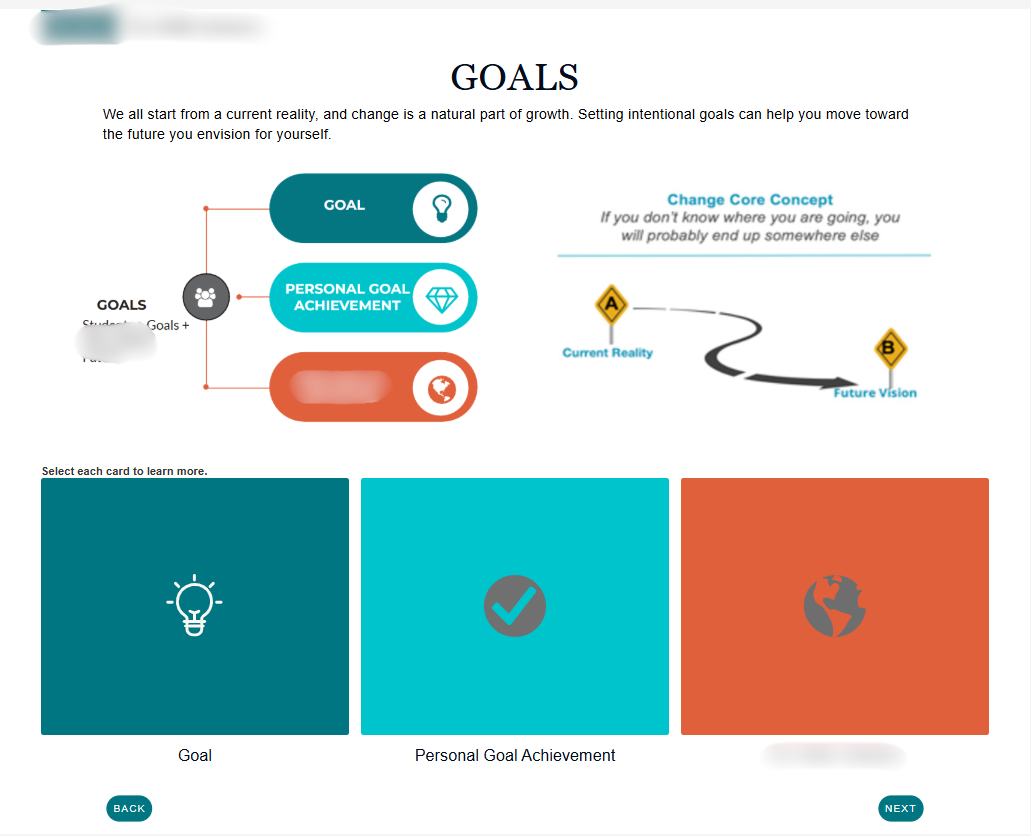
Workforce Readiness eLearning Course

K-12 Learning Self-Reflection Quiz